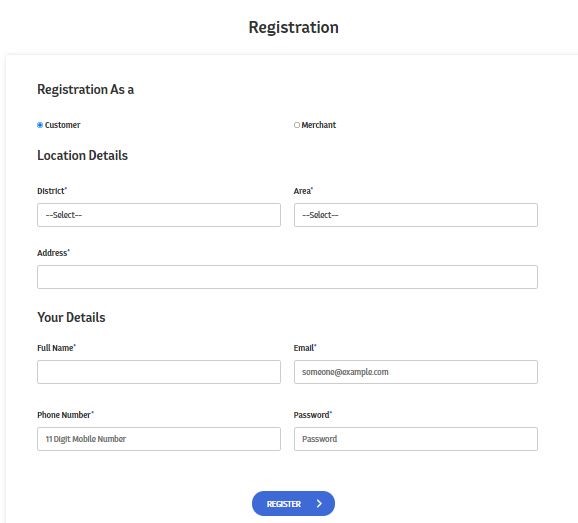
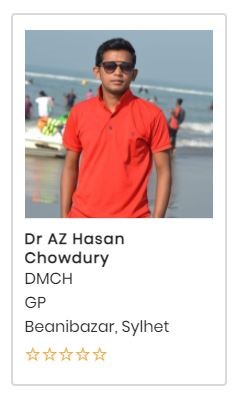
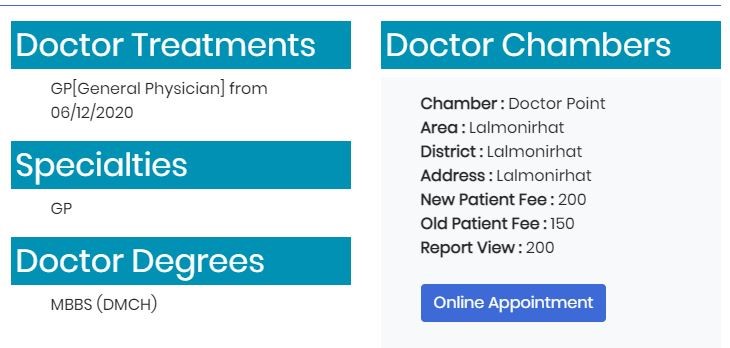
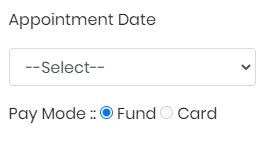
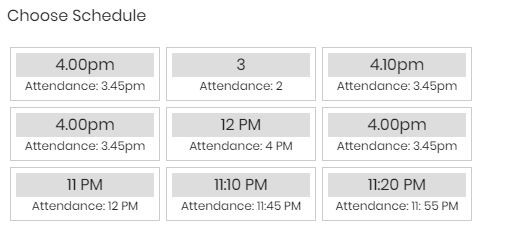
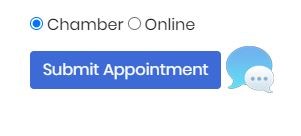
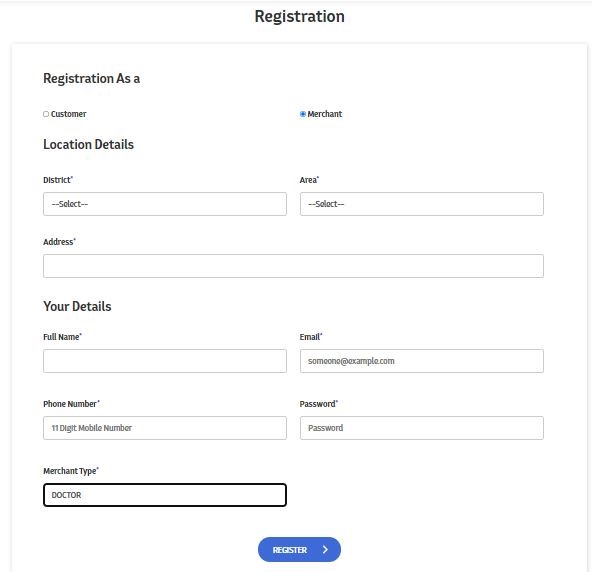
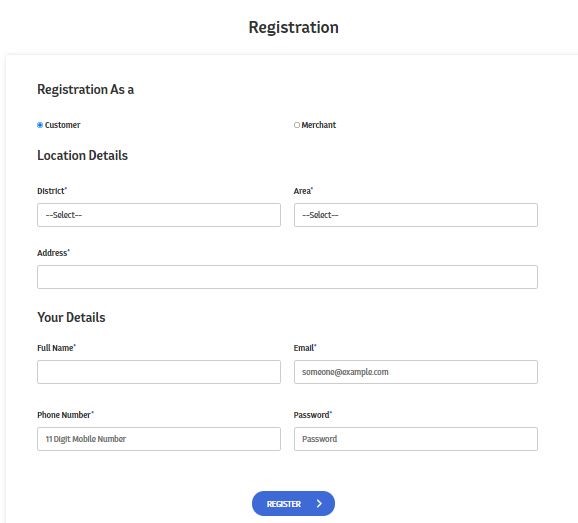
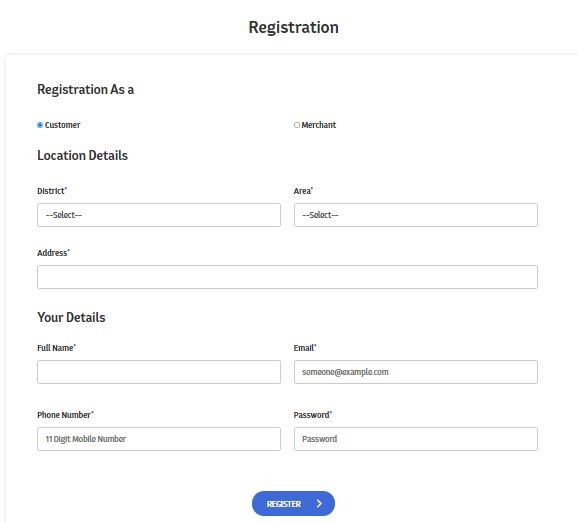
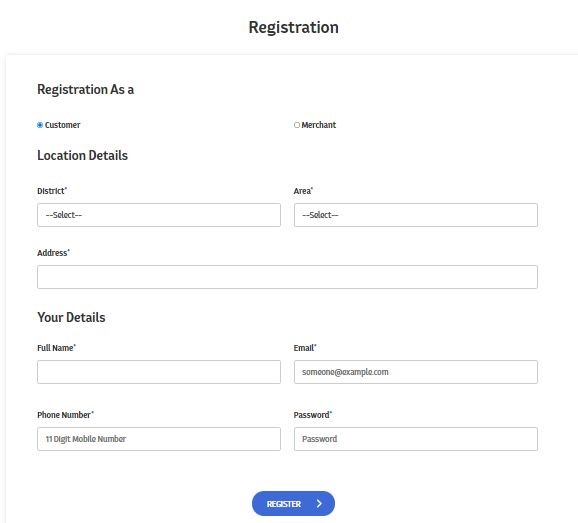
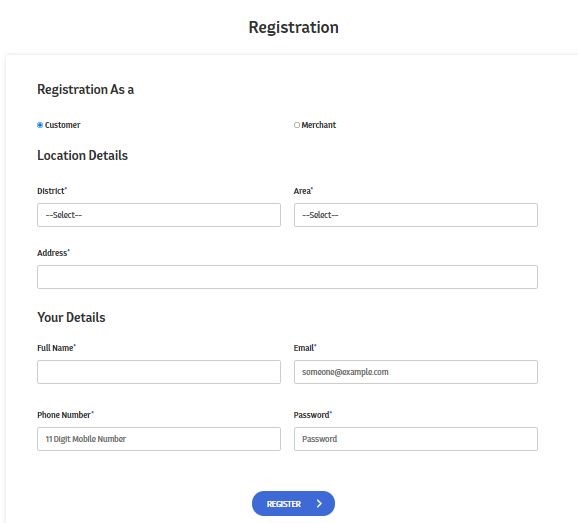
Registration as a Merchant and select Merchant type Doctor
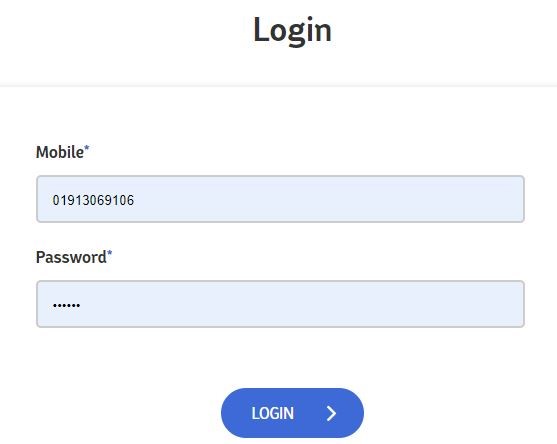
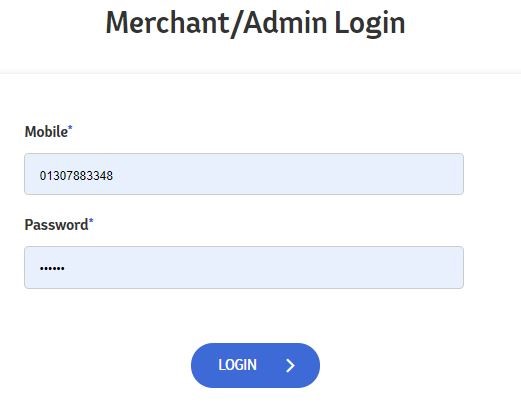
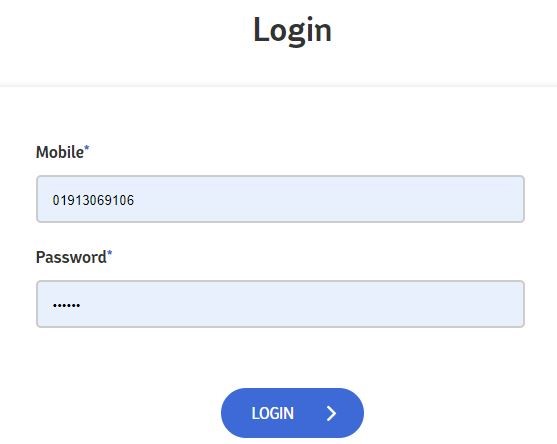
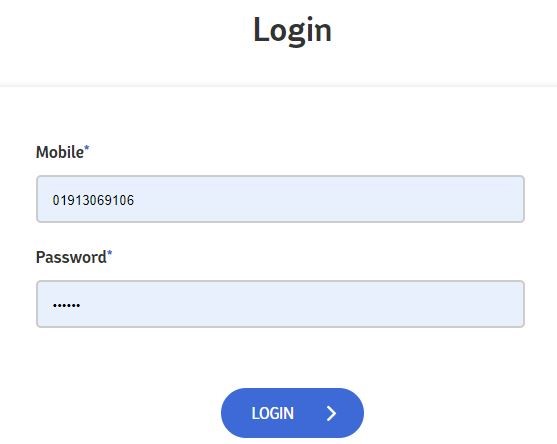
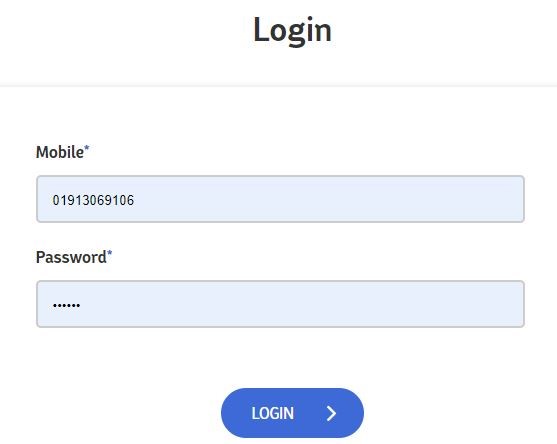
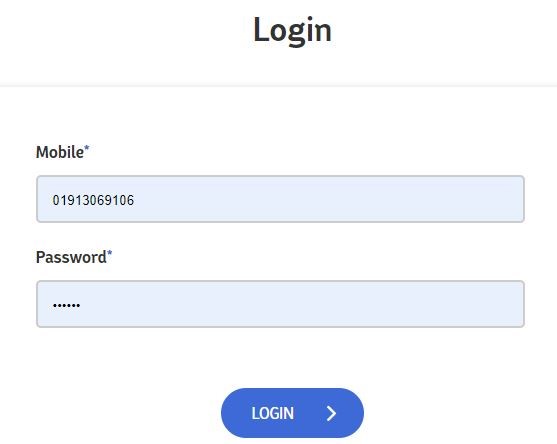
Login with valid Username & Password
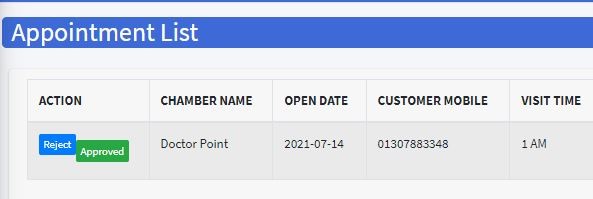
Doctor click appointment list and check the patients appointment & Approved
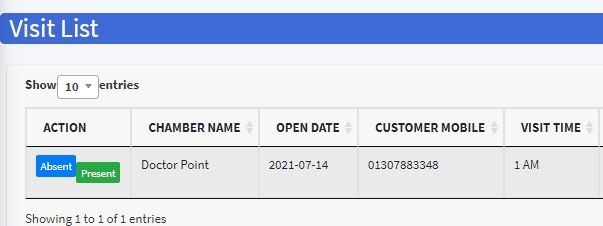
After Approved the patients Appointment Doctor click visited list and press Present option
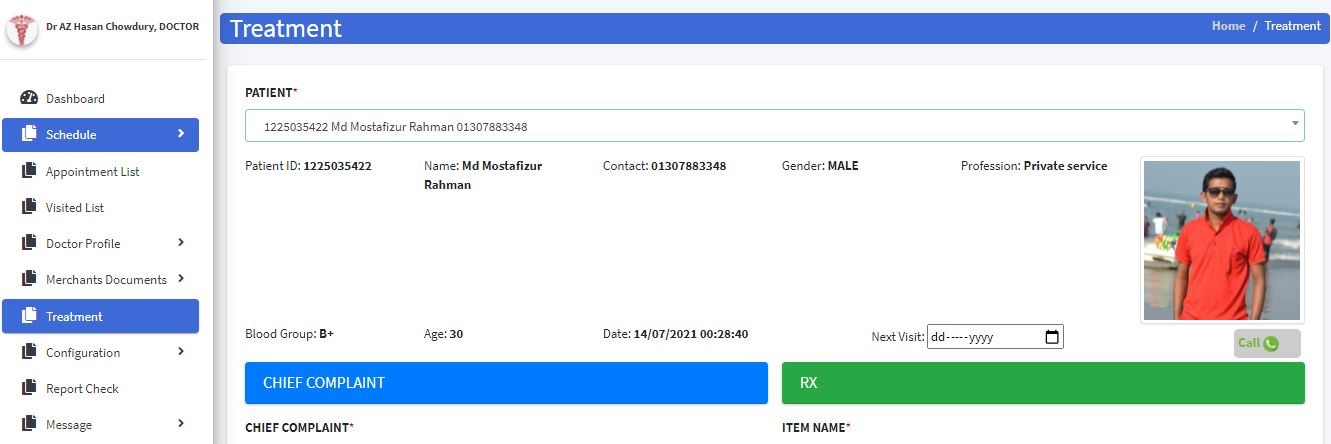
After press the Present button Doctor select Treatment option and select the patient & Doing Video call to patients
How to test request
Visit www.synap.com.bd
Registration as a User
Login with valid username & password
Click on Login Button
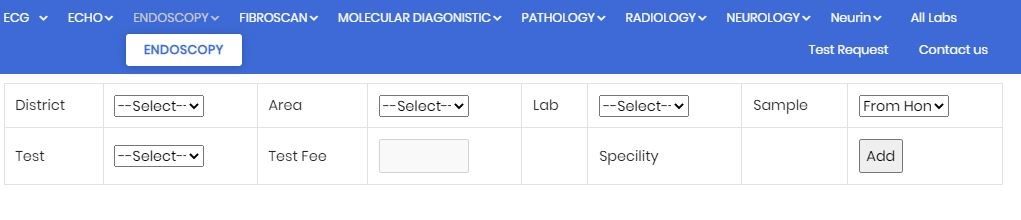
Click on Test Request
Select District, Area , Lab, Test Name and finally click Add button
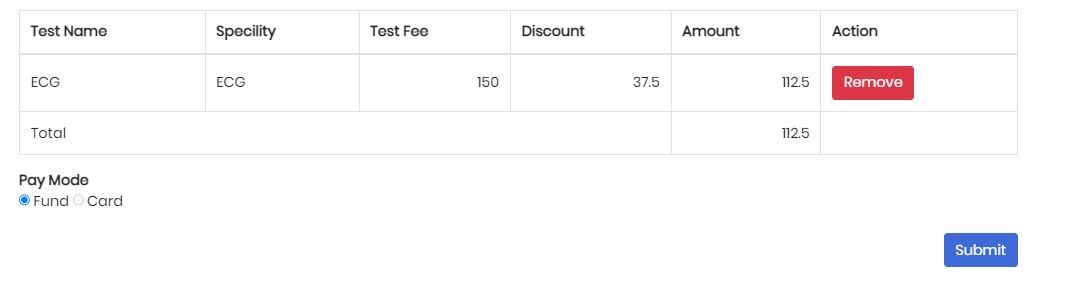
Finally submit Lab Test
How to purchase medicine
Visit www.synap.com.bd
Registration as a User
Login with valid username & password
Click on Medicine option
Search Medicine
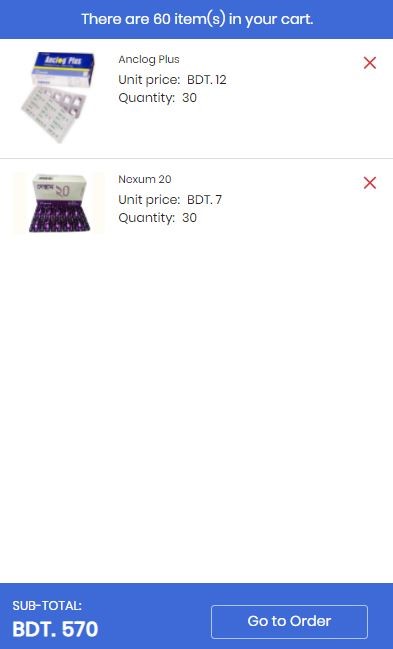
Choose Medicine, Add to Cart and finally go to Order
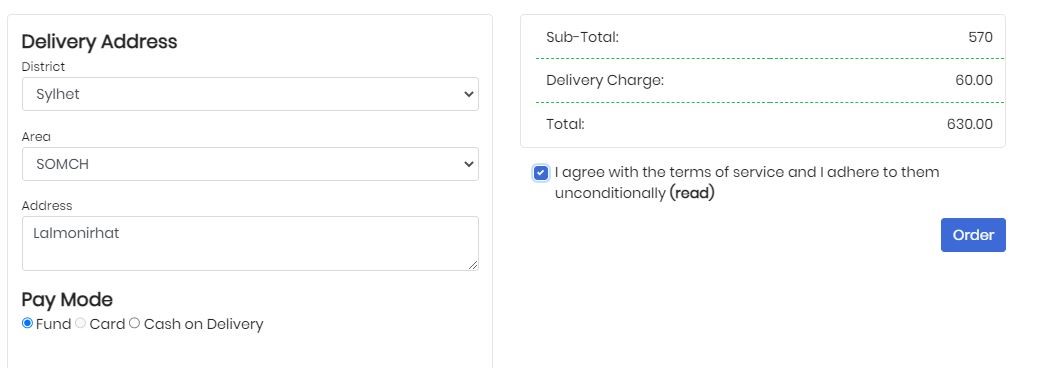
Select Delivery Address, Click terms and condition finally Press the Order option
How to get ambulance service
Visit www.synap.com.bd
Registration as a User
Login with valid username & password
Click on Ambulance Button
Click on Ambulance Request
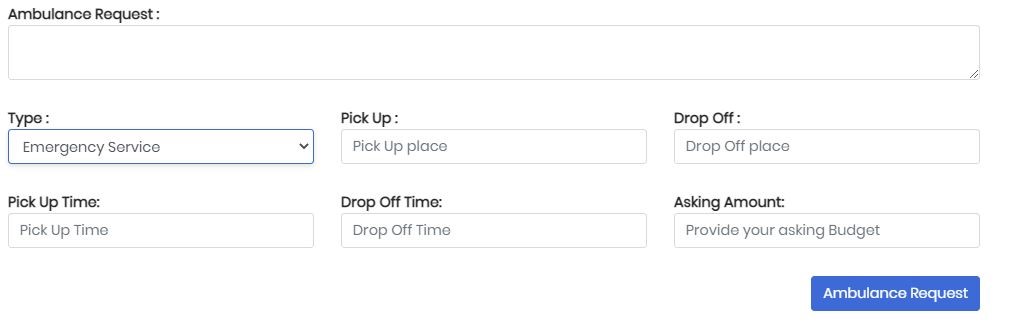
Write Ambulance request note, Select Ambulance Type, Pick up Place, Drop up place, Pick up time, Drop up time, Asking Amount and finally Ambulance Request
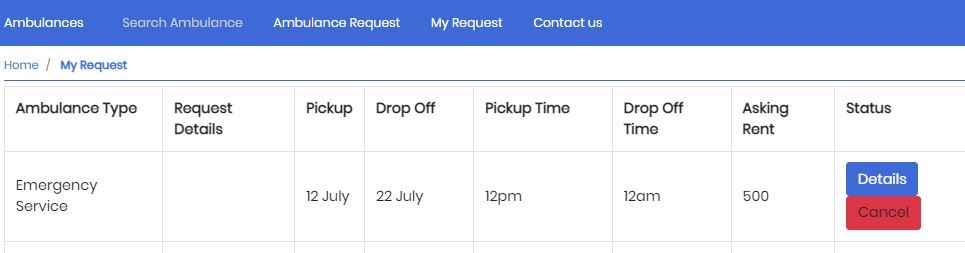
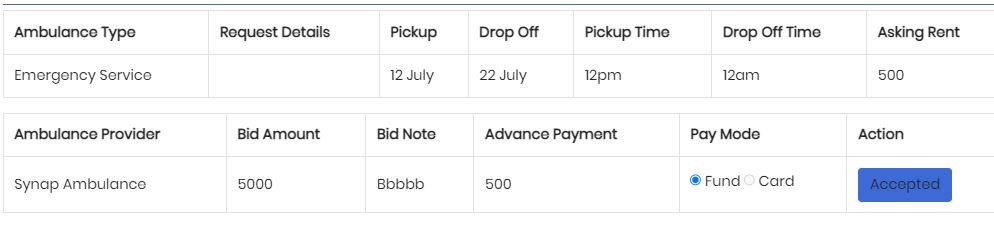
When Ambulance provider accept your request you can see your request on (My Request). Click on my request
Click On Details and Finally Accept your Ambulance Request
How to collect blood
Visit www.synap.com.bd
Registration as a User
Login with Valid Username & Password
Click on Blood Donate Option
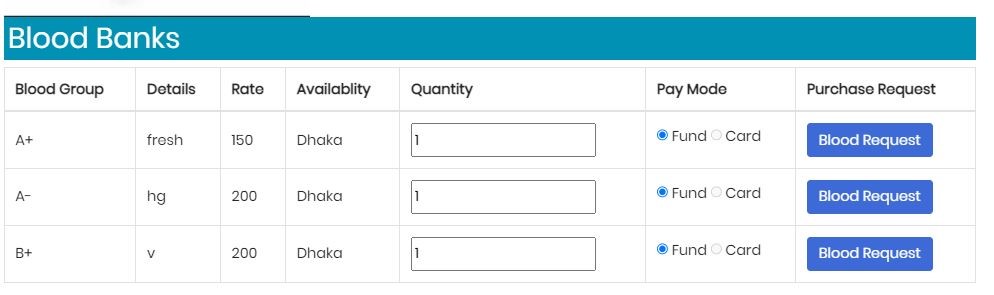
Click on Blood Bank and Search on Blood with Location wise and Blood bank wise